AI Motion Analysis Limitations: What Camera Feedback Can and Cannot Tell You
A responsible guide to camera-based form feedback: useful signals, blind spots, privacy, and when to ask a coach or clinician.
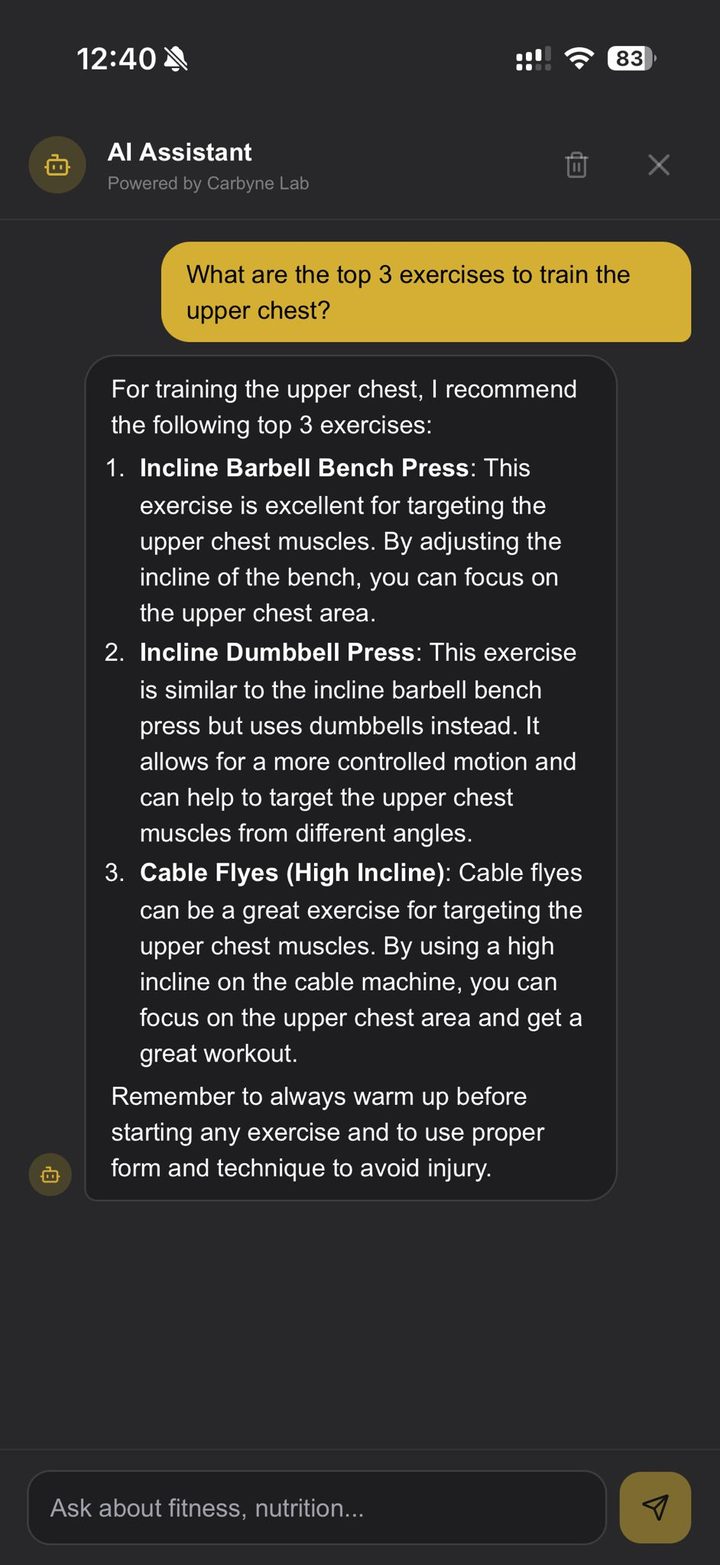
Camera-based motion analysis can make training feedback more objective, but it is not a coach, clinician, or diagnosis. It can count visible reps, estimate joint positions, flag movement rhythm, and help users compare sessions. It cannot know pain, intent, tissue health, fatigue history, or whether a movement is medically appropriate for a specific person.
Responsible use starts with knowing what the tool is good at and where human judgment still matters.
What Camera Feedback Can Do Well
Computer vision is useful for visible patterns: squat depth, push-up rhythm, pull-up count, gross asymmetry, tempo, and whether the body is moving through a consistent range. It can also help users notice changes they might miss during the set.
For beginners, that immediate feedback can be valuable. A user who repeatedly cuts squat depth or rushes push-ups gets a signal to slow down and review the movement standard.
What It Cannot See
A camera does not know how a joint feels. It cannot diagnose a back injury, determine whether knee pain is serious, or replace an assessment from a qualified healthcare professional. It also depends on camera angle, lighting, clothing, body position, and whether the full body is visible.
If the camera is placed poorly, the feedback can be misleading. A side view may show squat depth and torso angle well. A front view may show knee tracking better. No single angle sees everything.
Use Feedback as a Prompt, Not a Verdict
The best use of AI feedback is to ask better questions. Did depth change as fatigue increased? Did rep tempo slow? Did one side shift more than usual? Those questions help a lifter or coach decide what to review next.
Do not treat one flagged rep as proof of failure. Look for repeated patterns across sets and sessions. A training decision should come from context, not one alert.
When to Ask a Human
Ask a qualified coach when technique problems persist, when load is increasing quickly, or when the movement goal is specific. Ask a healthcare professional when pain is sharp, worsening, associated with swelling or neurological symptoms, or affects daily life. App feedback should not delay care.
Carbyne Lab's role is to organize data and make review easier. It should make coaching conversations better, not pretend those conversations are unnecessary.
Privacy and Practical Setup
Users should record only what is needed for the movement, avoid filming bystanders, and keep the camera stable. A simple tripod or fixed surface is better than a handheld recording. Good setup improves both feedback quality and privacy.
Before trusting any result, check the basics: full body visible, adequate light, correct exercise selected, and no obstruction across key joints.
Sources and Further Reading
Author
Brian Chang
Brian Chang is an IFPA Master Personal Trainer who writes and reviews Carbyne Lab's fitness education, with a focus on strength training, exercise technique, nutrition tracking, and practical coaching decisions.
View author profileReviewed
Brian Chang, IFPA Master Personal Trainer
Maintained under the site's editorial standards. Last updated June 28, 2026.
View reviewer profileReady to train smarter?
Try Carbyne Lab free — AI-powered workout tracking, nutrition logging, and program generation.
Get Started FreeMore from the Blog
Push-Up Form Guide: Make Bodyweight Pressing Measurable
How to set up push-ups, choose the right regression, count clean reps, and progress bodyweight pressing without cheating range of motion.
Sleep and Recovery: The Training Variable Most Lifters Underestimate
How sleep changes strength sessions, hunger, recovery, motivation, and when to adjust training after poor sleep.
The Complete Warm-Up Guide for Lifters
A simple warm-up structure for strength training: raise temperature, open the needed range, activate weak links, and ramp to working weight.
Progress Photos Guide: How to Make Visual Tracking Useful and Private
How to take consistent progress photos, interpret them with measurements and performance, and avoid turning visual tracking into a daily stressor.